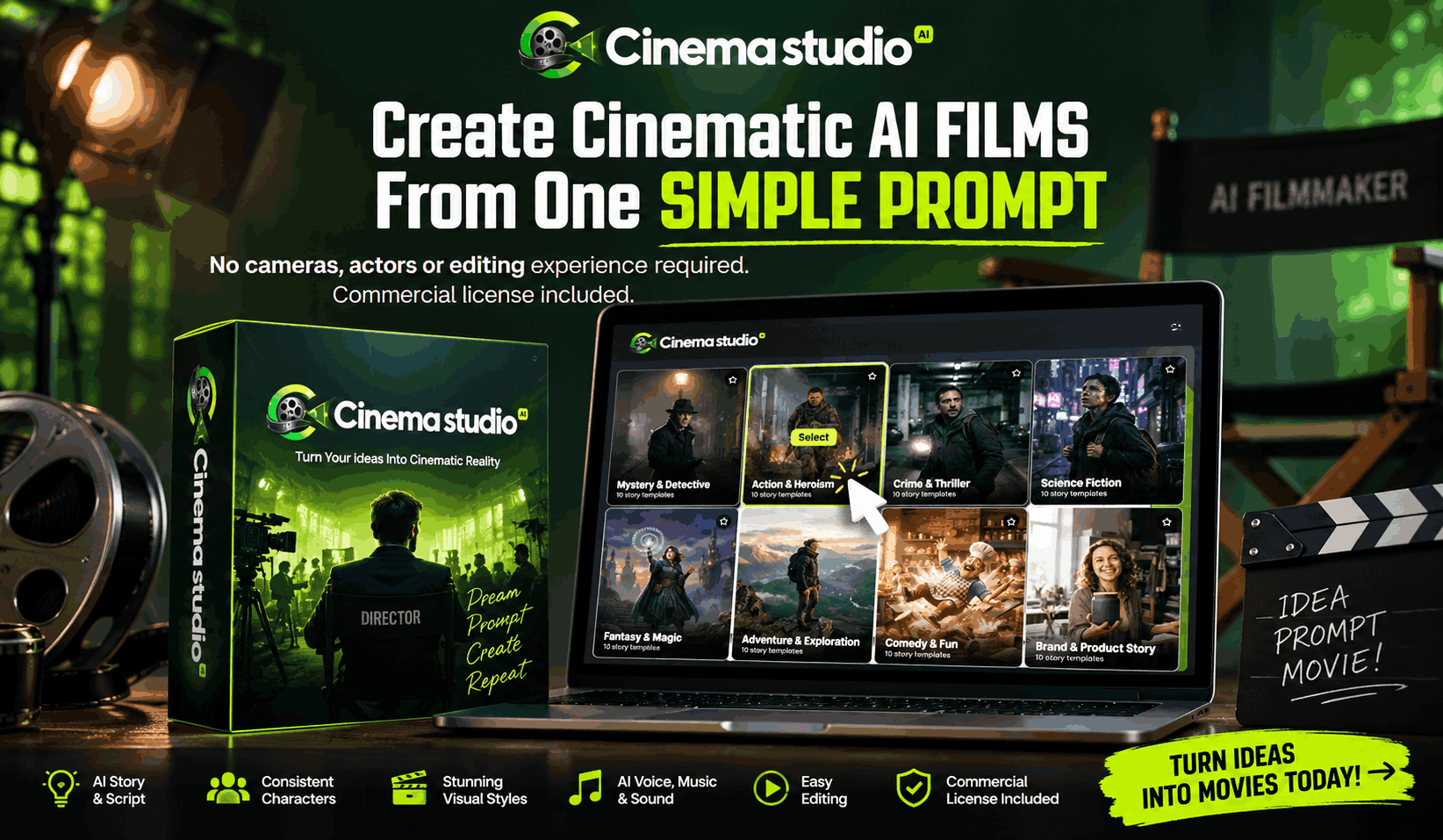
CinemaStudio AI Review: Features, Price, Bonus & OTOs Explained
Maybe the hardest part of AI filmmaking isn’t creating the video — it’s everything before and after it: the script, characters, story structure, scenes, voiceovers, music, sound effects, editing, and consistency. String together separate AI tools for all of that, and a “simple” video idea turns into a complicated production workflow. CinemaStudio AI is built around exactly this problem. Here’s whether it actually solves it, or is just another AI tool wrapped in a bigger promise.
What Is CinemaStudio AI?
An AI-powered filmmaking platform for creating short films, trailers, promotional videos, and series — without traditional filmmaking skills.
Its workflow offers AI story creation, script development, character creation, custom universes, storyboarding, visual styles, camera and lighting controls, AI narration, character dialogue, music and sound design, browser-based editing, and multiple video formats. The path runs: idea → story → characters → storyboard → scenes → sound → edit → film. That matters because the real problem most creators face isn’t a lack of AI video generators — it’s too many disconnected tools.
CinemaStudio AI Is Really About Removing Tool Overload
Picture a YouTuber with a story idea, using one AI tool to write the script, another to generate images, another to animate them, another for voiceover, another for music, and another for editing — six tools before publishing anything.
CinemaStudio AI tries to compress that workflow into one environment, which is why its potential audience is much larger than “aspiring filmmakers.” It can appeal to YouTubers, faceless content creators, marketers, small businesses, authors, storytellers, freelancers, agencies, social media creators, and anyone with a video idea but no production skills.
How Does CinemaStudio AI Work?
The workflow is built around four broad stages.
Select
Start with a ready-made template, generate a concept with AI, paste your own script, or begin with an idea. Story categories and sub-genres give beginners a starting point instead of a blank page.
Customize
Shape the story, characters, language, visual style, format, pacing, and cinematic direction — moving beyond basic “type a prompt and hope” video generation.
Produce
CinemaStudio AI turns your direction into a shot-by-shot visual storyboard, then brings together narration, speech, audio, and music.
Publish
Export finished videos for multiple platforms — YouTube, TikTok, Instagram Reels — making the workflow relevant to creators who need repeatable content, not just one experimental clip.
CinemaStudio AI Features That Actually Matter
Not every listed feature carries equal weight — these are the ones worth knowing about.
Story-First AI Film Engine
Built around story structure, not disconnected clips — a beautiful video without a compelling story can’t hold attention.
Character Studio
Create up to 5 custom characters — useful for recurring stories without rebuilding a character each time.
Custom Universe
Up to 5 custom universes on the front end, useful for serialized content or branded storytelling.
Shot-by-Shot Storyboarding
Preview the story structure before final render — catch problems early instead of after generation.
Director Style Controls
Cinematic camera, lighting, and color controls give more direction over the look of a scene.
Voice, Dialogue, Music & Sound
Narration, dialogue, scoring, and sound design are built into one connected workflow.
CinemaStudio AI Complaints
What’s actually worth knowing before you buy.
The front end is still short-form
The commercial package supports films from 15 to 90 seconds — great for Shorts, Reels, TikTok, and ads, but not a feature-length movie.
AI doesn’t mean zero work
CinemaStudio AI automates production, but it doesn’t replace creative judgment. You’ll still choose ideas, review output, and decide what works.
Regeneration is part of AI filmmaking
Not every generated scene will be perfect — expect to change a shot, character, voice, or visual sometimes.
Credits matter
The commercial package offers 2,500 monthly video credits. Occasional creators and daily publishers have very different credit needs.
More OTOs don’t automatically mean more value
You don’t need every upgrade just because it’s offered. Ask which specific limitation you’re trying to remove before buying.
It doesn’t fully replace professional filmmaking
Not built for experienced filmmakers who need complete frame-by-frame control. Its strength is accessibility and workflow simplification, not a production-house replacement.
Marketing claims aren’t guarantees
The sales page uses phrases like “award-winning” and “studio quality” — treat those as positioning, not guarantees. Your outcome depends on your concept, direction, AI output, and editing decisions.
CinemaStudio AI Price
The Commercial Edition is currently priced at $37.
CinemaStudio AI Bundle Deal
A bundle is also available on the official page, offering:
- CinemaStudio AI Commercial
- CinemaStudio AI Unlimited Pro
- CinemaStudio AI Series
- CinemaStudio AI CinemaBox
- CinemaStudio AI Loop StudioAI
- Tuneforge AI
- Leaddialer AI
- QuickQR Code
- WebFramer
- FlowMotion
Plus 7,500 video credits.
Should You Buy the $37 Core Offer or the Bundle?
The Commercial Edition is enough if you just want to create short videos and test the platform. If you’re planning a larger content operation, producing series, need higher production capacity, or want the additional tools, the bundle is the more comprehensive choice. Don’t assume the bundle is automatically better — it’s only a better deal if you’ll actually use what’s in it.
CinemaStudio AI OTOs & Upgrades
The official page lists these individual upgrades.
Is CinemaStudio AI Legit or a Scam?
CinemaStudio AI reads as legit — a genuine AI filmmaking platform with a stated 30-day money-back guarantee, commercial licensing, and clearly described functionality.
But buyers need to understand that legit doesn’t mean effortless. CinemaStudio AI simplifies production — it doesn’t guarantee that every story will go viral, every generated scene will be perfect, or that you’ll earn automatic income. The official page itself states the product doesn’t guarantee income or success, which is worth keeping in mind for any AI “make money with videos” product.
Who Should (and Shouldn’t) Buy CinemaStudio AI?
Good Fit
- YouTubers who need more story-driven content
- Faceless creators who don’t want to appear on camera
- Marketers who want cinematic promotional content
- Small businesses that can’t justify a full production team
- Authors and storytellers who want to visualize their ideas
- Freelancers and agencies looking for additional video services
- Beginners who don’t want to learn multiple complicated tools
Skip It If
- You need long-form filmmaking immediately
- You require professional frame-by-frame control
- You expect perfect generations every time
- You don’t want to review AI output
- You already have a production team and workflow you’re happy with
Final Verdict
CinemaStudio AI attacks the workflow problem. The internet has countless tools for generating AI clips, but the bigger challenge is turning those clips into something with a beginning, middle, and end — consistent characters, appropriate sound, and a reason for someone to keep watching. CinemaStudio AI tries to bring those pieces together, which is why its potential audience is much wider than filmmakers alone.
It’s for you if you think: “I have ideas, I just don’t have the time, skills, money, or team to turn them into videos.” The Commercial Edition is an accessible entry point at $37. The bundle is best for users who want the major CinemaStudio AI offers plus additional tools in one package rather than buying them separately — but buy it only if you’ll actually use the features, not because the value number looks impressive. CinemaStudio AI is not a magic “make me a movie” button.
The real value of CinemaStudio AI lies in reducing the distance between having a story and producing something watchable.
Leave a Reply